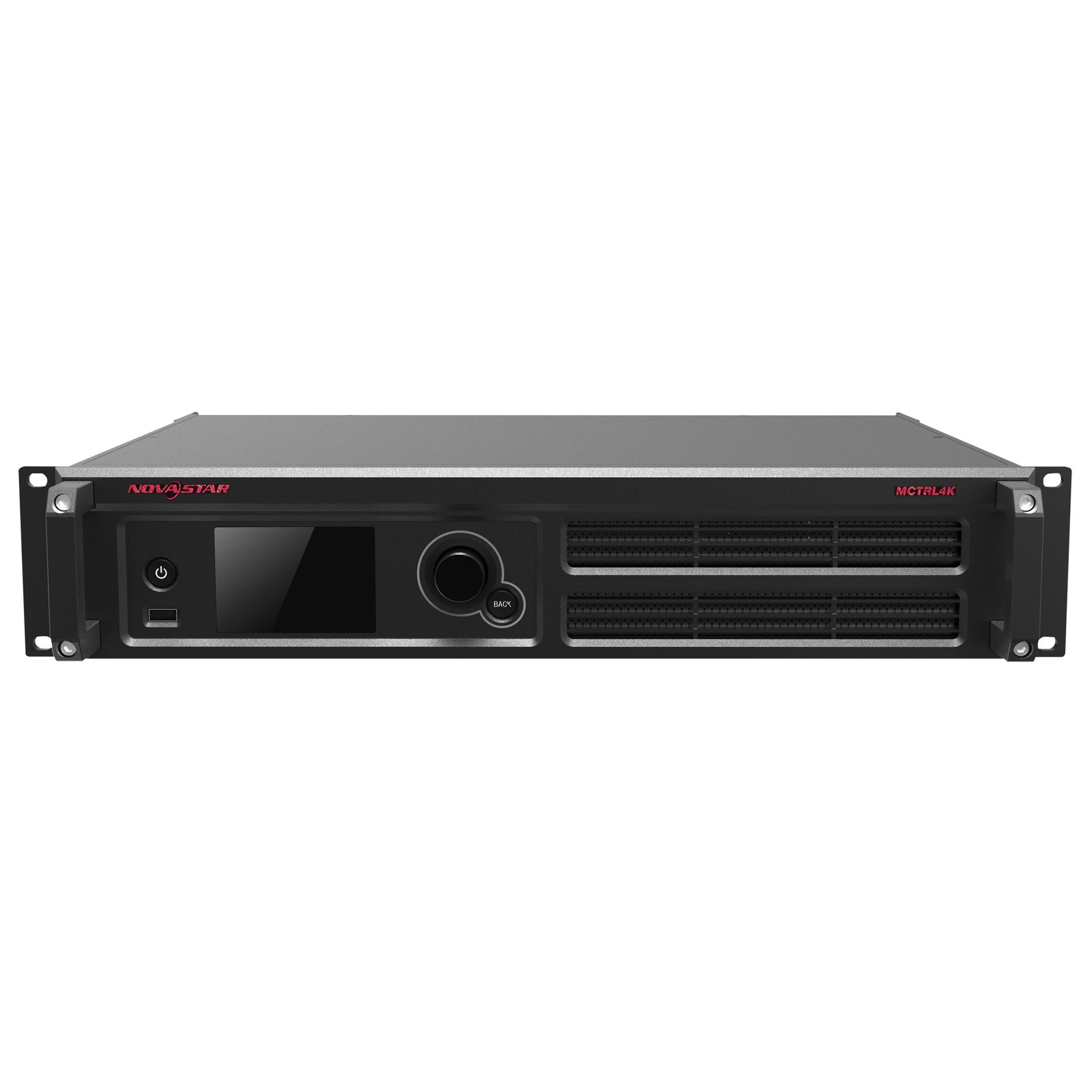
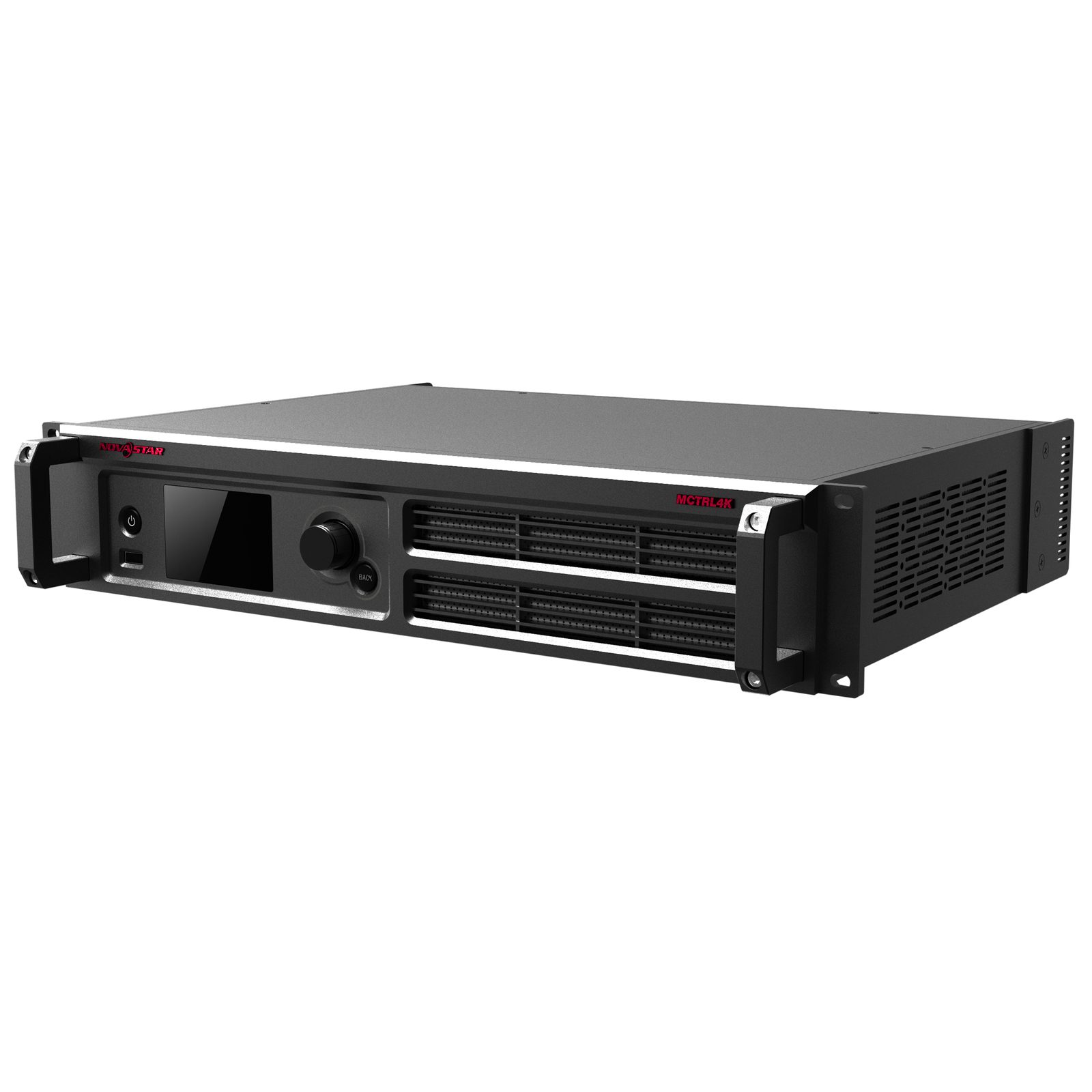
The MCTRL4 K is a 4 K x 2 K controller, with a loading capacity up to 3840 x 2160@60Hz for each single unit, it can support any custom resolution within this range as required, thus meeting the on-site configuration requirements of super-wide or super-large LED displays.
In Multi-card mode, the controller can be used as two independent controllers, making the images of two input sources perfectly displayed on the screen.
MCTRL4 K also supports HDR function combined with A8s/A10s receiving card to greatly enhance the image quality of the screen, presenting more vivid and clearer images.
Controlling the device can be done by USB or Ethernet combined with the Novastar (smart) LCT software but it also has a built-in web interface for remote control.
If you need to cover a large distance between controller and LED screen, the MCTRL4 K setup can be combined with CVT4 K-S fibre convertor(101653) and 10G SFP modules(101623)
The MCTRL4 K controller is mainly applied for medium to large events, control centres, security monitoring, Olympic Games and various sports centres.
- Real 4K Controller
- HDR10 supported
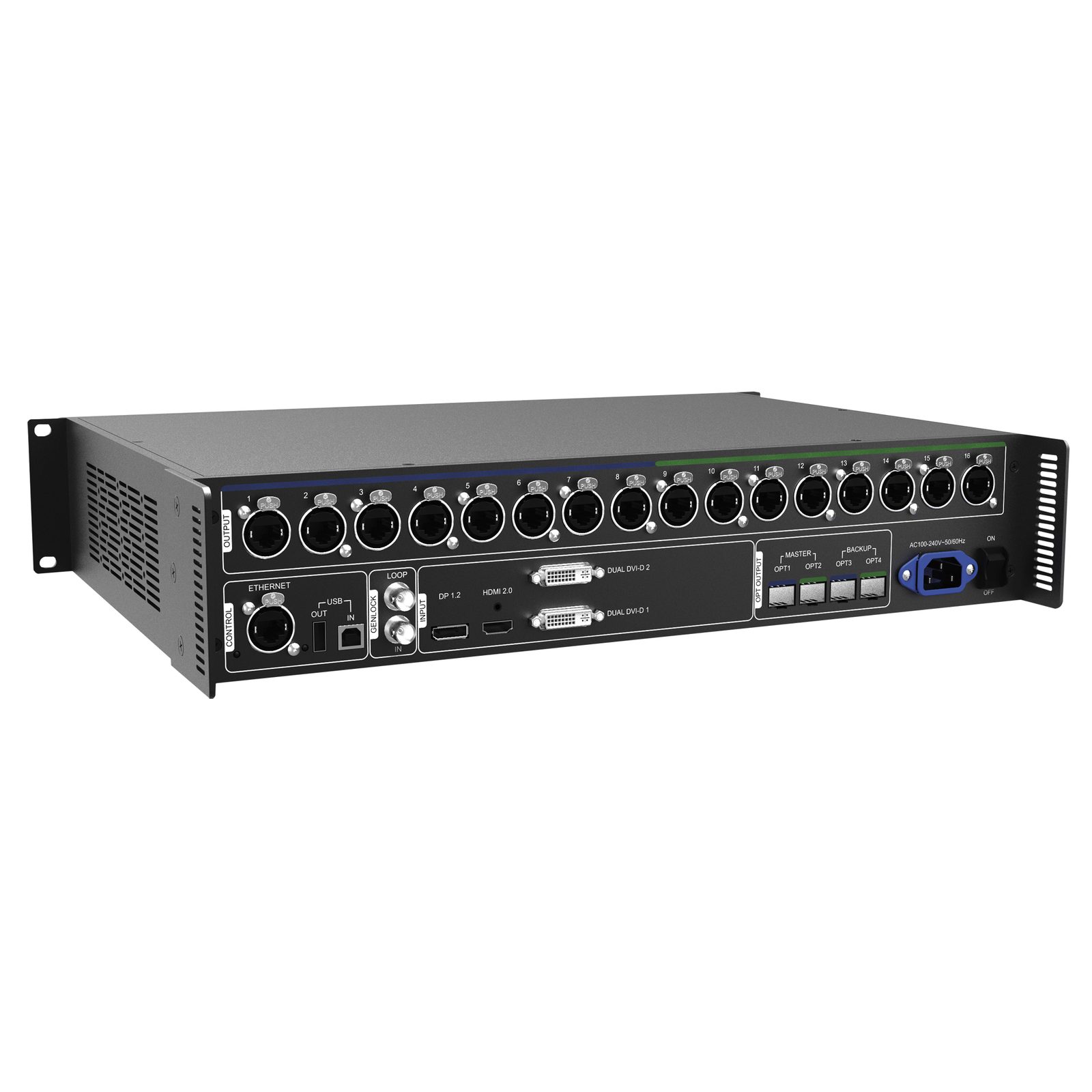
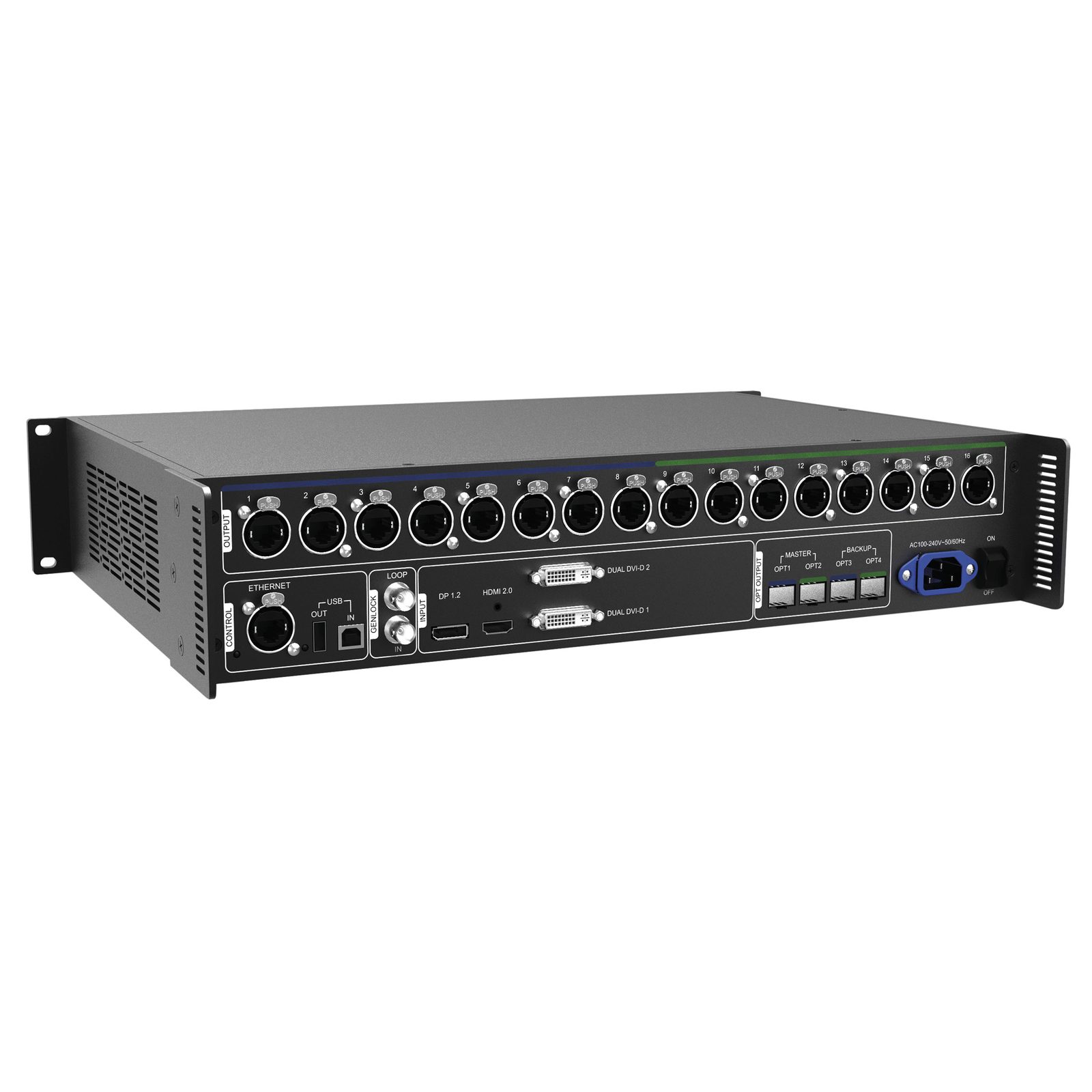
- DP 1.2 / Dual-link DVI / HDMI 2.0
- 8/10/12-bit Colour Depth
- 16x gigabit ethernet output port
- 4x optical fibre output port
- Genlock
- Control up to 10,400,000 pixels
| DP 1.2 | 1 |
|---|
| HDMI 2.0 | 1 |
|---|
| Dual Link DVI | 2 |
|---|
| Main Outputs | 16 |
|---|
| SFP Slot Type | 10G |
|---|
| SFP Slot Quantity | 4 |
|---|
| Scaling Function | No |
|---|
| GenLock | In & Out |
|---|
| Control System | Novastar |
|---|
| Maximum Loading Capacity | 10.4 Mpx |
|---|
| Maximum Input Resolution | Width and Height can be defined by users |
|---|
| Control Options | Ethernet / USB |
|---|
| Power Supply | 100-240 V AC 50/60 Hz |
|---|
| Power Consumption | 30 W |
|---|
| Power Connector In | IEC |
|---|
| Data Connector Out | etherCON / RJ45 |
|---|



Comments (0)
Your review appreciation cannot be sent
Report comment
Report sent
Your report cannot be sent